
By Andrew Adams · Co-Founder & Lead IT Consultant · The Link Source
Windows Server 2016 Is Reaching End of Life: Why Keeping It Around Is a Risk You Can't Ignore
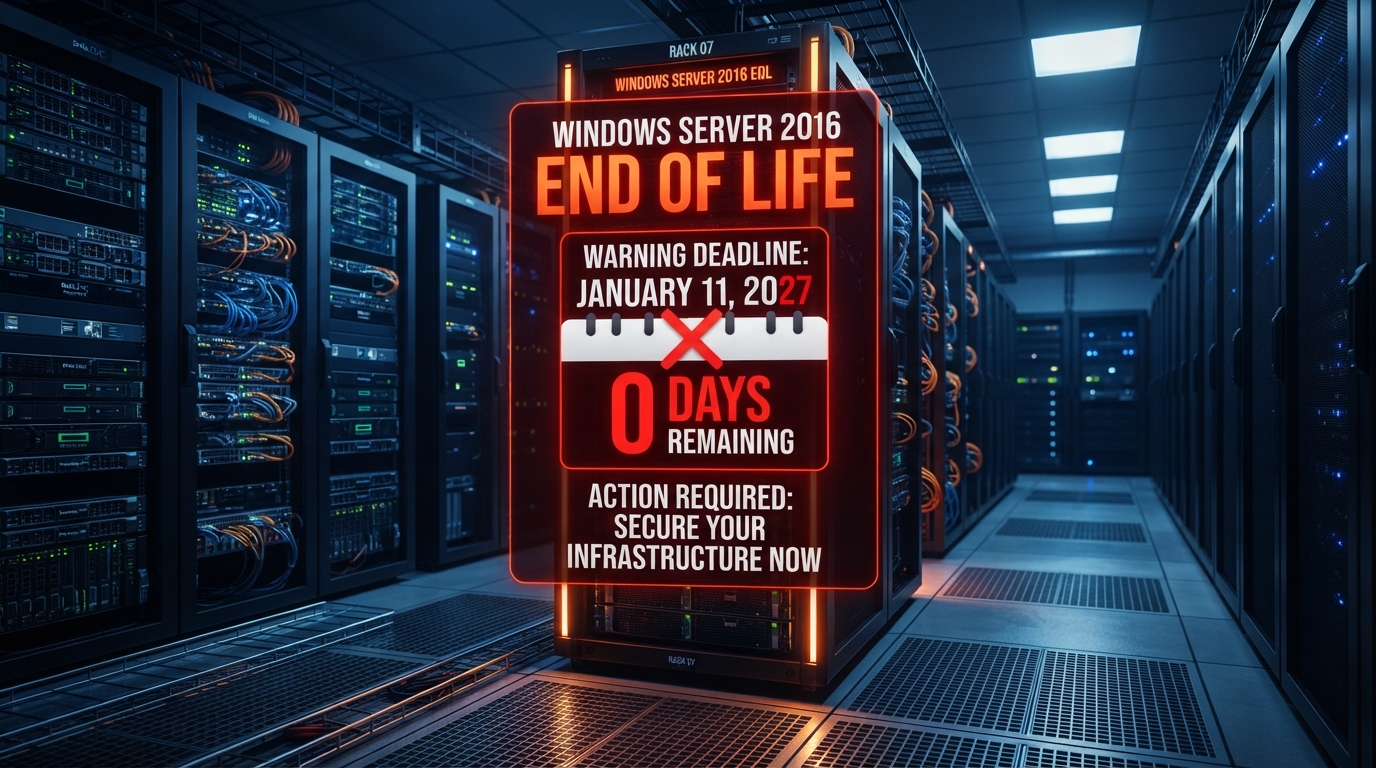
Microsoft is ending support for Windows Server 2016 on January 12, 2027.
Windows Server 2016 has been a reliable workhorse for a lot of Houston businesses. It runs the file shares, the line-of-business applications, the print servers, and the domain controllers that keep everything ticking. For years, it just worked — so it's tempting to leave it alone.
But Windows Server 2016 is approaching End of Life (EOL). That doesn't mean your server suddenly stops turning on one morning. It means Microsoft stops providing something far more important: security updates, bug fixes, and support. And the moment that happens, every server still running 2016 becomes a liability.
What "End of Life" Means for Your Business
When an operating system reaches end of life, Microsoft no longer issues patches — even for newly discovered vulnerabilities. The server keeps running, but it's running without a safety net. Any new exploit that attackers find after the EOL date will never be fixed by Microsoft, no matter how critical it is.
Think of it like driving a car that the manufacturer has stopped making parts for. It still runs today, but the day something breaks, you're on your own. Except with servers, the "something breaks" part isn't a worn-out alternator — it's a ransomware gang scanning the internet for exactly the kind of unpatched vulnerability your server now has.
Why Keeping Windows Server 2016 Is a Bad Idea
1. You Stop Getting Security Patches
This is the single biggest problem. Cybercriminals actively track Microsoft's end-of-life dates. The moment support ends, they reverse-engineer the final patches released for supported systems and use those to build attacks against the unsupported ones. In other words, the end of support is the beginning of a target on your server's back.
2. You Become a Compliance Violation
If your business is subject to HIPAA, PCI-DSS, CMMC, or cyber insurance requirements, running an unsupported operating system almost always puts you out of compliance. Many cyber insurance policies now explicitly require supported, patched systems. A claim after a breach could be denied simply because you were running Windows Server 2016 past its end of life.
3. Software Vendors Stop Supporting You
Third-party application vendors tie their support to the underlying OS. Once 2016 is EOL, your accounting software, your EMR, your CRM vendor — they'll decline to help you troubleshoot because they no longer test or support their product on that platform. You get stuck in a cycle where nothing can be fixed because the foundation is unsupported.
4. Performance and Reliability Suffer
Newer hardware, newer applications, and newer security tools are all built around modern server operating systems. Running 2016 means you miss out on performance improvements, better virtualization, stronger built-in security features, and cloud integration that newer Windows Server versions offer out of the box.
What Can Happen If You Let 2016 Keep Running
The risks aren't theoretical. Here's what we've seen happen to businesses that waited too long:
- Ransomware infection: An unpatched vulnerability becomes the entry point, and an entire network is encrypted overnight.
- Denied insurance claims: A breach occurs, the insurer audits the environment, finds unsupported servers, and refuses to pay out.
- Failed compliance audits: A HIPAA or PCI audit flags the unsupported OS, triggering fines or required remediation plans.
- Extended downtime: A critical bug causes crashes, and with no patch available, the only fix is a rushed, emergency migration under pressure — which is far more expensive and disruptive than a planned upgrade.
- Vendor lock-in: You can't upgrade a key application because it requires a newer server OS, but you can't upgrade the OS because the old app isn't certified for it yet — a deadlock that only careful planning can break.
How The Link Source Helps You Stay Up to Date
You don't have to navigate an end-of-life migration on your own. At The Link Source, we help Houston businesses plan and execute server upgrades before the deadline becomes a disaster. Here's how we do it:
- Full environment audit: We inventory every server, identify which ones are running 2016, and map out what applications and dependencies rely on them.
- Migration roadmap: We build a phased upgrade plan that prioritizes the highest-risk systems first and schedules around your business hours to minimize disruption.
- Modern, secure replacements: We help you move to a current, supported Windows Server version — or to a cloud-based alternative like Azure — with proper security hardening from day one.
- Testing and validation: Before anything goes live, we test your applications against the new environment so there are no surprises on cutover day.
- Ongoing lifecycle management: We track the support lifecycle of every system in your environment so you never get blindsided by an end-of-life deadline again.
Don't Wait for the Deadline to Make You a Target
The businesses that get hurt by end-of-life deadlines are almost always the ones that treated the date as a future problem. The smart move is to start planning now — while you still have time to upgrade on your terms, on your budget, and on your schedule.
If you're running Windows Server 2016 anywhere in your environment, let's talk. We'll assess your setup, show you exactly what needs to move, and build a plan to get you onto supported, secure systems before the risk becomes a reality. Contact The Link Source today for a consultation.
