By Delles Simon · Marketing Coordinator · The Link Source
How Stolen Business Credentials End Up on the Dark Web — and What You Can Do About It
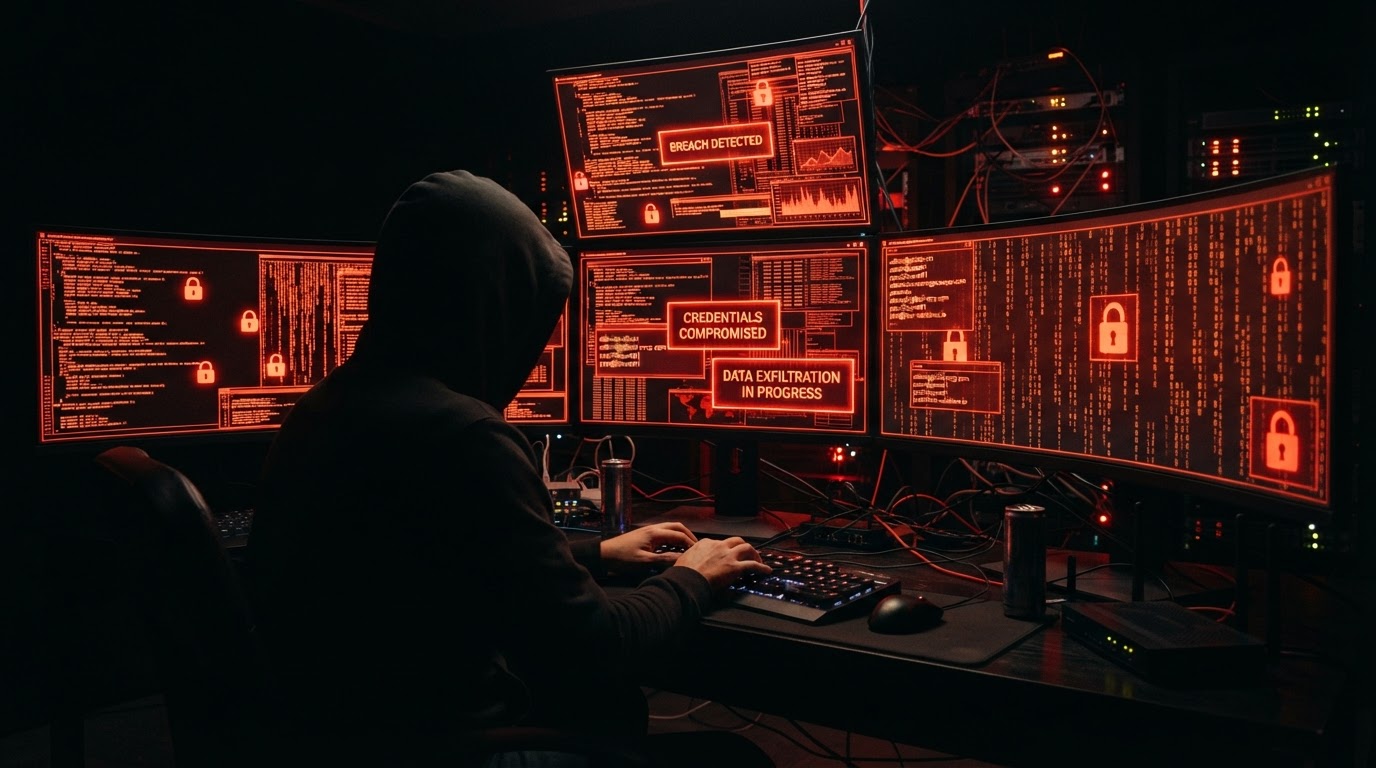
A single stolen password doesn't immediately cause chaos. It may be stored in a leaked database, traded, resold, or used later in an unrelated phishing campaign. Here's how business credentials end up on the dark web — and the steps you can take to protect your accounts.
A single stolen password doesn't immediately cause chaos. It might be stored in a leaked database, or grouped with thousands of other records. Sometimes it is traded, resold, or used later in a phishing campaign that looks unrelated to the original breach.
By the time a business realizes one of its accounts is exposed, the credential may have already passed through several hands. That's what makes dark web business credentials hard to manage. The breach may happen in one place, the data may appear somewhere else, and the following attack may target a different system.
By the time those credentials appear on the dark web, the breach has already happened somewhere. What becomes visible there is the next risk: who can find the data, who can reuse it, and how quickly the business can respond. Dark web business credentials are a resource for cybercriminals, so your business needs to be prepared in the event that it's affected by a data breach.
How business credentials are stolen
It can take days, weeks, or even months before a business notices that credentials have leaked. They may be captured through a fake login page, pulled from an infected device, exposed in a supplier breach, or reused from an old personal account, often ending up on dark web marketplaces where stolen data is bought.
Phishing
Phishing emails are a common route for credential theft. An employee may land on a page that looks like a familiar business application, opens a document request that asks them to sign in, or follows a message that appears to come from a trusted service. Once the credential is entered, the attacker can use it or store it for later. A single successful phishing attack can expose every system the compromised account can access.
Ransomware
Other leaks are less visible. During ransomware incidents, attackers may steal files before encrypting systems, including account lists, configuration files, passwords, and access records. A supply chain breach can expose credentials through a vendor, contractor, or software provider, even when the business's own systems were not the first point of compromise.
Reused passwords
When employees use the same password across personal and work accounts, a breach outside the company can become a business problem. Attackers do not need to break into the work system first. They can test already-leaked credentials across dozens of services and see where they still work, an attack known as credential stuffing.
Malware
Employee devices can become a source of exposure. Malware can be built to collect saved passwords, browser sessions, cookies, autofill data, and other sensitive information from a device. If that device is used for work, personal compromise can give attackers access to business accounts, tools, or communication channels.
By the time the credential appears in a criminal dataset or dark web source, the original theft may already be days, weeks, or months old. The business is not only dealing with a leaked password. It is dealing with uncertainty: where the credential came from, who has seen it, whether it was tested, and what else has been exposed.
What happens after credentials get stolen
Once credentials are stolen, they rarely stay in one place. They may be added to a larger breach dataset, shared privately, sold in bulk, or used by different groups for various purposes. Some attackers want account access. Others want lists of valid business emails, passwords, session data, or admin accounts that can be resold.
The value depends on what the credential unlocks:
- A basic employee login may help with phishing or internal reconnaissance
- A reused password can open multiple accounts
- An admin credential may give access to settings, customer data, billing information, or user management
- A financial account login can support payment fraud
- SaaS credentials can expose documents, messages, project data, or customer records
Business data on the dark web becomes dangerous because it can be used to take destructive action. A credential may unlock an account, but even partial records can help attackers understand who to impersonate, which customers to target, which finance processes to imitate, or which employees to pressure. What looks like a leaked database to the business may look like a set of opportunities to someone preparing fraud, phishing, vishing, or account takeover.
What business data is valuable on the dark web
The most valuable business data on the dark web isn't limited to passwords or payment details. Attackers often look for any information that helps them access accounts, impersonate employees, target customers, or understand how a business operates.
The business data most valuable to attackers usually includes:
- Login credentials: Email addresses, passwords, session cookies, and authentication tokens can give attackers a path into business accounts. This risk is higher when employees reuse passwords across tools or when multifactor authentication (MFA) is not enabled.
- Employee information: Names, job titles, work emails, phone numbers, and organizational details can help attackers identify who to target and how to make a message look legitimate. This data can support phishing, impersonation, and business email compromise.
- Customer data: Names, contact details, addresses, account information, and purchase history can be used for fraud, identity theft, phishing, or social engineering. Even when this data does not include passwords, it can help attackers make scams personal and convincing.
- Financial and payment information: Invoices, bank details, billing records, tax documents, and payment data can support invoice fraud, payment redirection scams, or attempts to impersonate vendors and partners.
- Internal business documents: Contracts, supplier lists, project files, strategy documents, and operational records may not provide immediate account access. But they can reveal how the business works, who it depends on, and where attackers may find weaknesses.
Reused passwords, leaked credentials, and predictable combinations are the easiest ways into a business account, no exploit required, just a list and patience. But other exposed data still helps attackers build targeted attacks. Once business information appears on the dark web, the risk is not only that one account may be compromised. The same data can be reused, combined, and exploited long after the original breach.
What to do if you find your business credentials on the dark web
If business credentials are found on the dark web, your priority must be reducing the chance that attackers can still use them. A credential that was exposed months ago may still be valid if the password has not been changed, multifactor authentication (MFA) is missing, or the same password was reused across other tools.
1. Identify accounts, employees, and systems that may be affected
Reset the exposed passwords, revoke active sessions, and check whether the same or similar passwords were used elsewhere. If the account connects to email, file storage, finance systems, customer data, or admin panels, treat it as higher risk. Review recent activity for suspicious logins, forwarding rules, permission changes, or unusual downloads.
If the exposed credentials involve personal data, assess whether the incident needs to be reported to the relevant supervisory authority. Not every personal data breach is reportable, but organizations must notify when the breach is likely to pose a risk to people's rights and freedoms.
2. Use multifactor authentication (MFA)
Focus on tools that contain sensitive business data such as email, admin accounts, and cloud platforms. If MFA was already enabled, review the authentication method and recovery options to make sure attackers cannot bypass it through compromised backup codes, weak recovery email accounts, or social engineering.
3. Notify affected internal users
Next, inform team members who have been affected. Give clear instructions on what to change and what to watch for. Once credentials appear on the dark web, attackers may use them for credential stuffing, phishing, impersonation, or attempts to move from one compromised account into other business systems.
4. Review access controls
Remove unused accounts, update permissions, check shared credentials, and make sure employees are using unique passwords for every business service. A password manager can help teams generate stronger passwords, store them securely, share access without exposing the password, and give admins visibility into risky password behavior.
5. Keep monitoring
Finally, keep monitoring for future exposure. Dark web data can resurface, be repackaged, or be combined with other leaks long after the original breach. Finding exposed credentials early gives the business a chance to reset access before attackers turn leaked data into account takeover, fraud, or a wider security incident. A business password manager like Keeper or LastPass makes that easier by identifying vulnerable accounts and delivering data breach alerts in one place, so exposure surfaces without anyone having to go looking for it.
Dark web exposure can be delayed and fragmented. A leaked email address may appear in one dataset, a password in another, and related personal information somewhere else. Monitoring helps surface those signals sooner, before exposed credentials are quietly reused in account takeover, phishing, or fraud.
If you'd like a recommendation of the best password manager for your business, contact us today. We'll help you protect your business before a compromised password becomes an expensive problem.
Article FAQ
How do business credentials end up on the dark web?
Business credentials are stolen through phishing, ransomware, malware, reused passwords, or supply chain breaches. Once stolen, they may be added to larger datasets, sold in bulk, or traded privately before appearing on dark web marketplaces.
What should I do if my business credentials are on the dark web?
Reset exposed passwords, revoke active sessions, enable MFA on affected accounts, notify affected employees, review access controls, and set up ongoing dark web monitoring. A business password manager can help identify vulnerable accounts and deliver breach alerts automatically.
Can a reused personal password put my business at risk?
Yes. When employees reuse passwords across personal and work accounts, a breach outside the company can give attackers valid credentials to test against business systems. This is known as credential stuffing, and it requires no exploit — just a leaked list and patience.
What is the most valuable business data on the dark web?
Login credentials, employee information, customer data, financial records, and internal business documents are all valuable. Even data that doesn't include passwords can help attackers build targeted phishing, impersonation, or fraud campaigns.
How can I monitor for dark web exposure?
A business password manager like Keeper or LastPass can identify vulnerable accounts and deliver data breach alerts in one place. Ongoing monitoring helps surface exposed credentials early, before attackers turn leaked data into account takeover or fraud.
