
By Delles Simon · Marketing Coordinator · The Link Source
How to Use AI to Improve and Automate Your Business Processes
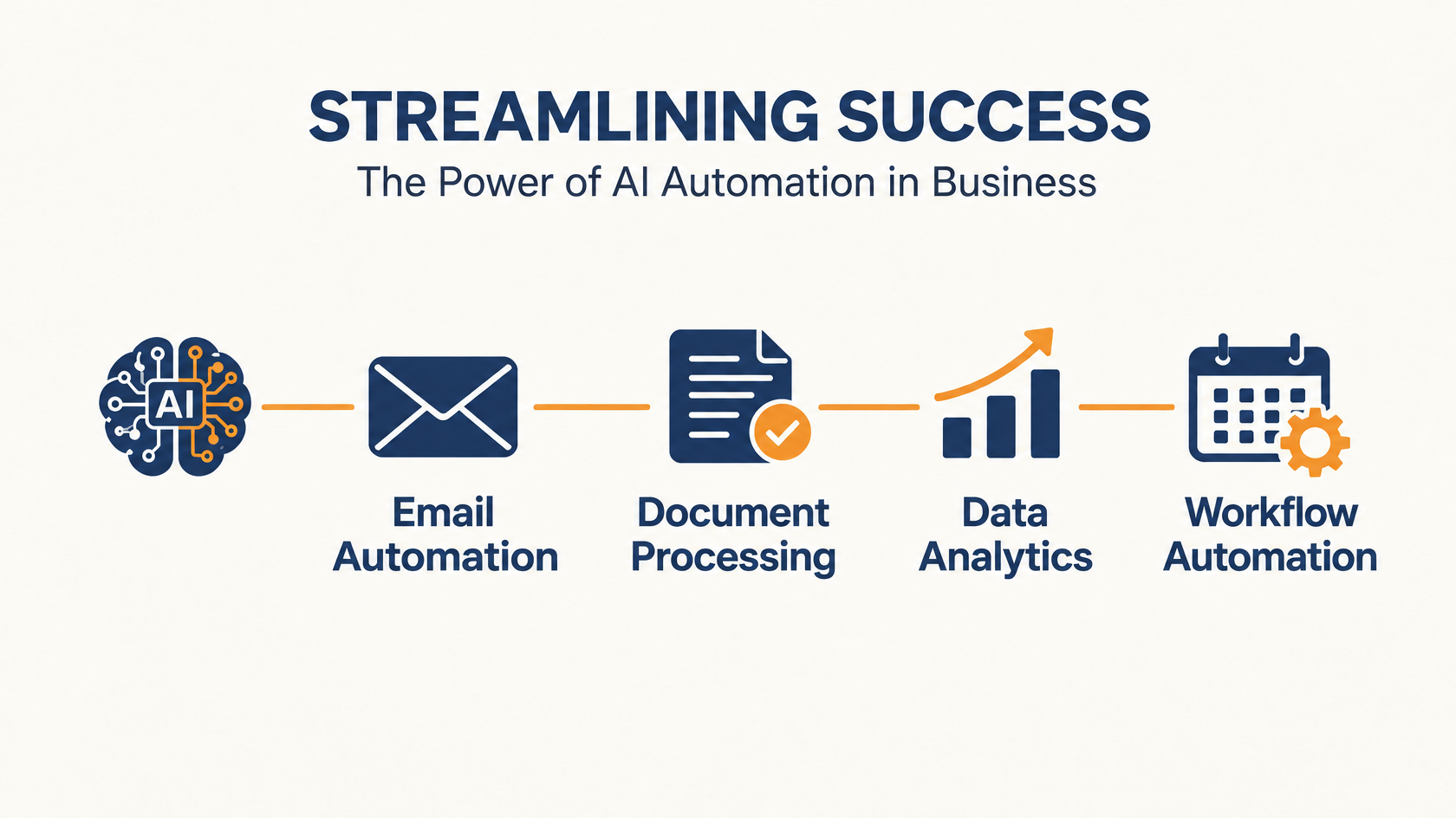
Every business has tasks that eat up hours each week: answering the same emails, writing up meeting notes, entering data and building reports. Learn how to use AI to handle that work and get time back for what grows your business.
Table of Contents
Every business has tasks that eat up hours each week: answering the same emails, writing up meeting notes, entering data and building reports. AI tools can now handle much of this work, giving your team time back for the work that grows the business. The good news is that you don't need a technical background or a big budget to get started.
Why AI Matters for Operational Efficiency
Efficient operations are the backbone of any successful business, and AI is changing how that work gets done. Through automation, machine learning and predictive analytics, AI helps businesses streamline key processes, find useful insights in their data, cut costs and boost productivity.
Business leaders are taking notice. According to Microsoft, 41% of leaders who know AI well expect to completely redesign their processes around it. Early adopters have seen the biggest gains in three areas: making daily operations more productive, turning data into insights, and modernizing systems like enterprise resource planning (ERP), the software that runs inventory, finance and supply chain. Microsoft reports that these early adopters are seeing a 150% increase in work output from automating and scaling their processes.
Employees feel the difference too. Among workers who are very familiar with AI, 92% say it makes their workload more manageable and helps them be more creative, according to Microsoft. When those individual gains spread across a whole team, they turn into real business results and a better employee experience.
How Businesses Are Using AI Today
The first step is knowing what's possible. Here are some of the most common ways small and mid-sized businesses are putting AI to work:
- Writing and communication: Drafting emails, proposals, job posts and social media content in minutes.
- Meeting notes: Automatically summarizing meetings and listing action items.
- Customer service: Answering common questions through website chat, any time of day.
- Data and reporting: Spotting trends in spreadsheets and turning raw numbers into clear summaries.
- Repetitive admin work: Moving information between apps, sending reminders and routing forms or invoices.
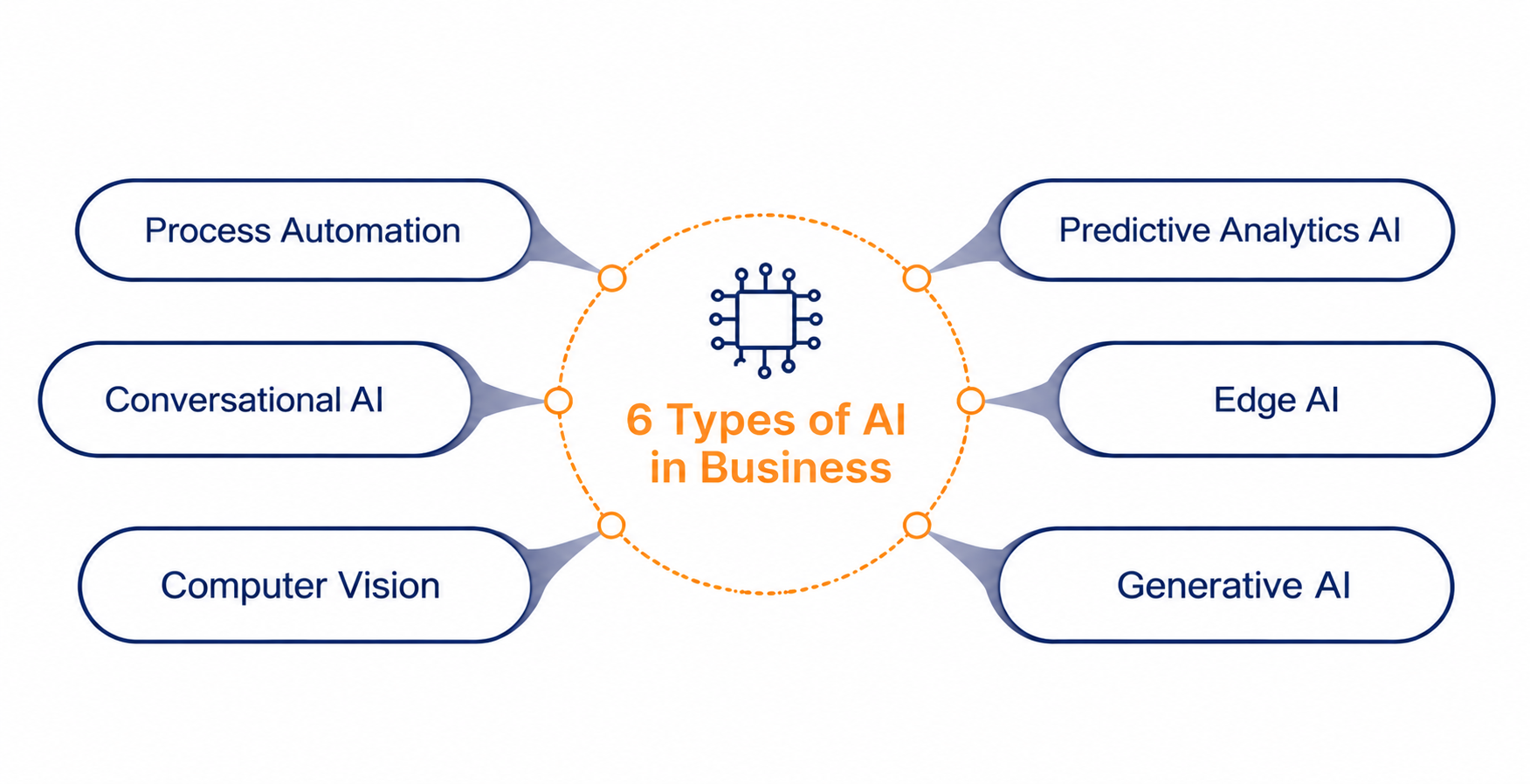
The 6 key types of AI used in business operations today.
Larger organizations are going further, using AI to speed up planning, forecasting and decision-making. A few examples:
- Reducing administrative work in healthcare: Epic, a healthcare software provider, is adding generative AI to its electronic health record system using Microsoft's Azure OpenAI Service. Clinicians can ask questions about data in plain language and have AI draft replies to patient messages, so they spend less time on paperwork.
- Faster planning with connected data: Law firm Husch Blackwell rolled out Microsoft Copilot to help its attorneys summarize meetings, review documents and draft correspondence. The firm saved 8,800 hours on routine tasks, including 160 hours on writing attorney bios, freeing lawyers to spend more time with clients.
- Better predictions from data: Novo Nordisk worked with Microsoft Research to build AI models that help doctors predict patients' risk of heart disease more accurately than current clinical standards.
You don't need to work at this scale to benefit. The same idea applies at any size: find the tasks that take time but not much judgment and let AI do the heavy lifting.
What AI Tools Are Available?
You may already have access to more AI than you realize:
- Microsoft Copilot: Built into Word, Excel, Outlook, Teams and PowerPoint to draft documents, summarize email threads and meetings, and analyze data.
- ChatGPT, Claude, and Google Gemini: General-purpose assistants for writing, research, brainstorming, and media generation.
- Power Automate and Zapier: Connect your apps and automate multi-step tasks, like saving email attachments to a folder and notifying your team.
- Built-in AI features: Many tools you already use, such as Canva, Grammarly and your CRM, now include AI features.
What If I'm a Beginner?
You don't need to be technical. Most AI tools work through plain conversation: you type what you need, the same way you'd ask a coworker. The main skill is learning how to ask. Clear requests that include context, the task and the format you want get much better results.
Expect a learning curve. Your first results may be generic or miss the mark, and that's normal. AI gets more useful the more you practice, refine your requests and learn what each tool does well. Teams that stick with it for a few weeks usually find a handful of tasks where AI saves time. That's where the value grows.
5 Easy Steps to Get Started
- Pick one repetitive task. Choose something you do every week that follows a pattern, like summarizing meetings or drafting follow-up emails.
- Start with a tool you already have. If your business uses Microsoft 365, Copilot is a natural first step since it works inside the apps your team already knows.
- Practice writing clear requests. Give the AI context ("I run a 10-person accounting firm"), a task ("draft a reminder email for overdue invoices") and a format ("friendly, under 100 words").
- Set aside time to experiment. Spend 15 to 20 minutes a few times a week testing and refining. Save the requests that work well so your team can reuse them.
- Protect your data. Use business accounts with data protection rather than free personal tools. Set clear rules about what information employees can and can't share with AI.
Once one task is working well, move on to the next. Small wins add up.
Building the Right Foundation for AI
Moving from individual experiments to company-wide results takes teamwork across departments and a solid, well-organized data setup. Cloud platforms like Microsoft Azure make this easier by giving businesses a single place to store data and run AI tools. Microsoft reports that organizations using Azure AI have seen a 284% return on investment over three years.
Before investing, look at which processes would benefit most from automation or better insights. Start with the ones that give you an edge over competitors. When comparing AI tools, weigh three things: how easy they are to use, whether they can grow with your business, and how well they work with the systems you already have.
With the right strategy, AI can help any business work smarter, give employees more time for meaningful work and open new opportunities for growth.
How Can The Link Source Help You
The hardest part of AI is often knowing where to start and making sure it's set up securely. The Link Source helps Houston businesses choose the right AI tools, set up Microsoft Copilot and automations safely, and protect company data along the way. Call us at 281-598-5580 or book a free strategy session to find out where AI can save your team the most time.
Article FAQ
How do I start using AI in my business?
Start with one repetitive task that follows a pattern, like summarizing meetings or drafting follow-up emails. Use a tool you already have — if your business runs on Microsoft 365, Copilot is a natural first step. Practice writing clear requests, spend a few hours a week experimenting, and expand to the next task once the first one is working well.
Is AI safe to use with company data?
It depends on the tool and the plan. Free personal AI tools may store your inputs and use them for training. Business accounts with data protection — like Microsoft 365 Copilot — keep company data inside your tenant and don't expose it outside your organization. Set clear rules about what employees can and can't share with AI tools.
Do I need a technical background to use AI?
No. Most modern AI tools work through plain conversation — you type what you need the same way you'd ask a coworker. The main skill is learning how to ask: give the AI context, a clear task and the format you want. Expect a short learning curve as you refine your requests.
How much does it cost to get started with AI?
You may already be paying for it. Many Microsoft 365 business plans include Copilot licenses or AI features inside Word, Excel, Outlook and Teams. Free trials and low-cost plans make it easy to test one task before investing further. The real cost is the time spent experimenting and refining your process — not the software.