By Andrew Adams · Co-Founder & Lead IT Consultant · The Link Source
That 'Free' Download Almost Cost Everything: Why Installing Software from Unfamiliar Websites Is a Gamble
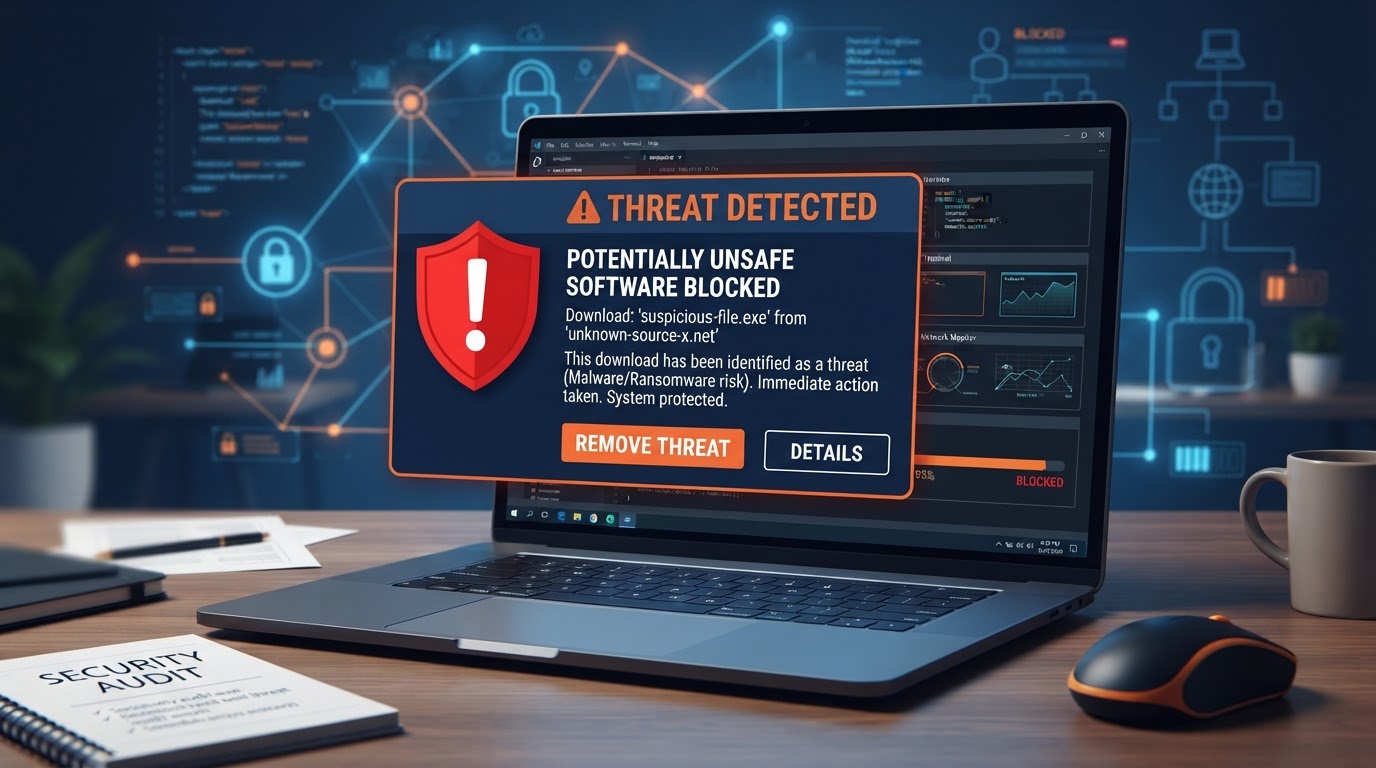
A client recently downloaded software from a random website — and the security software caught the threat as it was running trying to install. Here's why that one click could have been catastrophic, and how to protect your business.
It started with a simple Google search. One of our clients needed a utility tool — nothing fancy, just a small program to convert some files. They found a result that looked promising, clicked through to a website they'd never heard of, and hit download.
What they didn't know was that the installer they just ran wasn't just a file converter. It was bundled with malware — the kind that quietly opens a backdoor into your network, steals credentials, and waits. But here's where the story takes a turn: at 1:00 AM, the managed security software we deploy and monitor for this client caught it. The download was quarantined before the malicious payload could execute, and our team was alerted immediately.
This client was lucky. They had The Link Source managing their security software, which meant the threat was stopped and reviewed by our team before any damage was done. But not every business has that kind of protection — and the gap between "lucky" and "breached" often comes down to a single click.
Why Unfamiliar Download Sites Are Dangerous
The internet is full of legitimate software, but it's also full of lookalike sites, repackaged installers, and outright malicious downloads designed to trick you. Here's what makes unfamiliar download sites so risky:
- Bundled malware: Legitimate-looking software is often packaged with hidden malware, adware, or spyware that installs silently alongside the program you actually wanted.
- Fake download buttons: Many sketchy sites use deceptive "Download" buttons that are actually ads leading to entirely different — and often malicious — downloads.
- Trojanized installers: Attackers take real software, inject malicious code into the installer, and redistribute it through third-party sites. The software works fine, so you never suspect anything is wrong.
- Stolen credentials: Some downloads include keyloggers or credential stealers that silently exfiltrate your passwords, banking info, and session tokens.
- Ransomware delivery: The worst-case scenario — a downloaded payload encrypts your entire network and demands payment, all from one innocent-looking install.
What Happened in Our Client's Case
At 1:00 AM, when our client ran the downloaded installer, the endpoint protection we manage for them immediately flagged the file. Here's what the security stack did, automatically, in real time:
- Behavioral analysis: The security software analyzed the installer's behavior and detected suspicious activity consistent with malware — not just a static signature match.
- Quarantine: The malicious components were isolated before they could execute, preventing the backdoor from opening.
- Instant alerting: Our team received an alert within seconds, allowing us to investigate, confirm the threat, and verify no other systems were affected.
- Follow-up scan: A full system scan confirmed the threat was fully contained and no lateral movement had occurred.
The entire incident — from download to resolution — took minutes, and our team reviewed and documented every step. Without managed security software in place, the client might not have known anything was wrong until weeks later, when the damage was already done.
How to Protect Your Business
You can't stop employees from searching the web, but you can build layers of protection that catch threats before they become incidents. Here's what every Houston business should have in place:
1. Managed Endpoint Protection
This is the layer that saved our client. Modern endpoint protection doesn't just scan for known viruses — it uses behavioral analysis, machine learning, and real-time threat intelligence to stop never-before-seen malware in its tracks. If a file starts acting suspicious, it gets quarantined before it can do damage.
2. Web Filtering and Content Blocking
Web filtering prevents employees from reaching known malicious or high-risk websites in the first place. Instead of relying on someone to make the right judgment call about an unfamiliar download site, the filter blocks access before the download even starts.
3. Application Whitelisting or Restrictions
For higher-security environments, you can restrict which applications are allowed to run on company devices. If it's not on the approved list, it doesn't execute — period. This stops both accidental and malicious installs dead in their tracks.
4. Employee Security Awareness Training
Technology catches what humans miss, but humans catch what technology can't predict. Regular training helps your team recognize risky download sites, understand the danger of "free" software, and know to check with IT before installing anything from an unfamiliar source.
5. A Clear Software Approval Process
Make it easy for employees to request software through IT. If someone needs a file converter, a PDF editor, or any other tool, they should have a simple, fast way to get it approved and sourced from a legitimate vendor — no need to resort to a random Google result.
The Lesson: One Click Can Cost Everything
Our client's story had a happy ending because they had invested in strong protections. But it's a reminder that the threat landscape is relentless, and the gap between safe and compromised is often a single download. The software looked real. The website looked legitimate. The only thing standing between that client and a potential breach was their security stack — and the team behind it.
At The Link Source, we help Houston businesses build exactly this kind of layered defense. From managed endpoint protection to web filtering, employee training, and 24/7 monitoring, we make sure that when the next "free download" comes knocking, your business is ready. Contact us today to find out how secure your current setup really is.